A simple configuration change can improve security, privacy, and resilience across your entire home network.
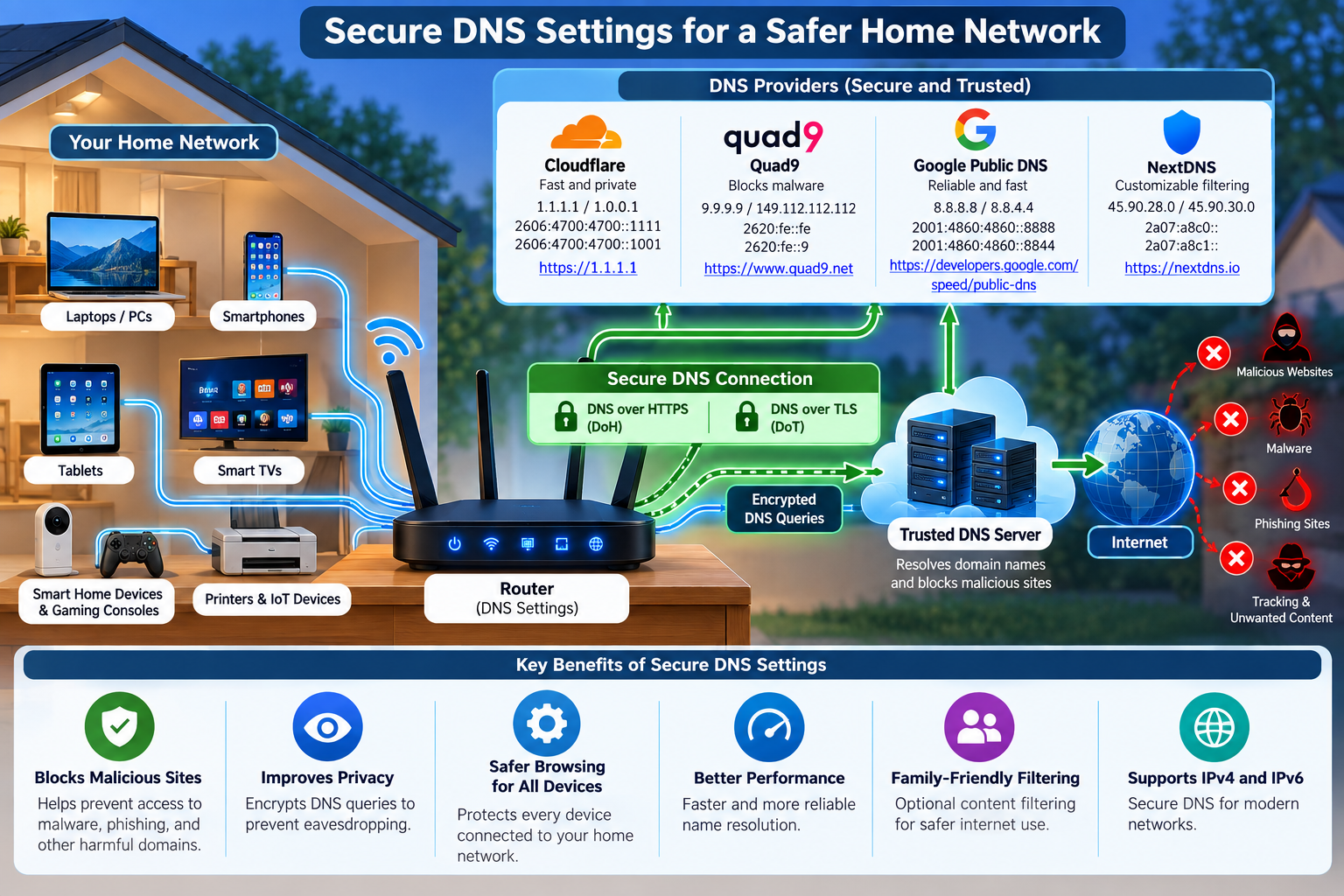
Your router is the gateway between your home and the internet, but one of its most important settings is often overlooked: the Domain Name System (DNS) resolver. DNS translates familiar names such as example.com into IP addresses that computers can use. Most home routers automatically use DNS servers supplied by the Internet service provider (ISP). That works, but it is not always the strongest choice for security or privacy.
Why DNS security matters:
Nearly every website, app, smart television, game console, phone, and IoT device in a home performs DNS lookups. Traditional DNS can travel across the network without encryption, making queries potentially visible to parties on the network path. A trustworthy resolver can also provide DNSSEC validation, which helps detect forged or tampered DNS responses. Security-focused resolvers go further by blocking domains associated with malware, phishing, botnets, and other threats before a device connects to them.
Configuring DNS at the router is particularly useful because the setting can automatically apply to devices that obtain their network configuration from the router. Instead of changing DNS individually on every laptop, phone, smart speaker, or appliance, you establish a stronger default for the entire household.
The most secure settings for a home router:
Recommended DNS providers:
| Provider | Useful home-security option | Addresses / features |
| Quad9 | Malware blocking + DNSSEC | 9.9.9.9 / 149.112.112.112; DoH and DoT available |
| Cloudflare | 1.1.1.1 for Families — malware blocking | 1.1.1.2 / 1.0.0.2; DoH and DoT available |
| Google Public DNS | General-purpose validated/encrypted DNS | 8.8.8.8 / 8.8.4.4; DoH and DoT available |
| NextDNS | Customizable filtering and privacy controls | Personalized configuration; encrypted DNS supported |
Provider links:
A practical security-first choice
For a household primarily concerned with cybersecurity, a strong starting point is Quad9’s malware-blocking resolver (9.9.9.9 and 149.112.112.112), combined with DoH or DoT when the router supports encrypted DNS. Cloudflare’s malware-blocking addresses (1.1.1.2 and 1.0.0.2) are another straightforward option. Families wanting more granular policies, analytics, or configurable blocklists may prefer NextDNS.
DNS filtering is not a replacement for router firmware updates, strong Wi-Fi encryption, unique passwords, endpoint protection, or safe browsing habits. It is, however, an unusually effective security layer because one router-level change can improve the DNS posture of many devices at once. After changing the settings, restart or renew network connections and use the DNS provider’s test page to verify that the intended resolver and encrypted-DNS features are actually being used.
Sources and further reading
Cloudflare: Set up 1.1.1.1 on a router
Quad9: Service addresses and features
DNS may operate quietly in the background, but it plays a critical role in the security, privacy, and reliability of a home network. By configuring a trusted DNS provider at the router level, you can extend an additional layer of protection to virtually every connected device in your home—from laptops and smartphones to smart TVs, gaming consoles, cameras, and IoT devices.
For stronger protection, consider a DNS service that supports DNSSEC validation, DNS over HTTPS (DoH), or DNS over TLS (DoT) and, where appropriate, malicious-domain filtering. Providers such as Quad9, Cloudflare, Google Public DNS, and NextDNS offer different combinations of security, privacy, performance, and filtering capabilities, allowing you to choose the service that best matches your household’s requirements.
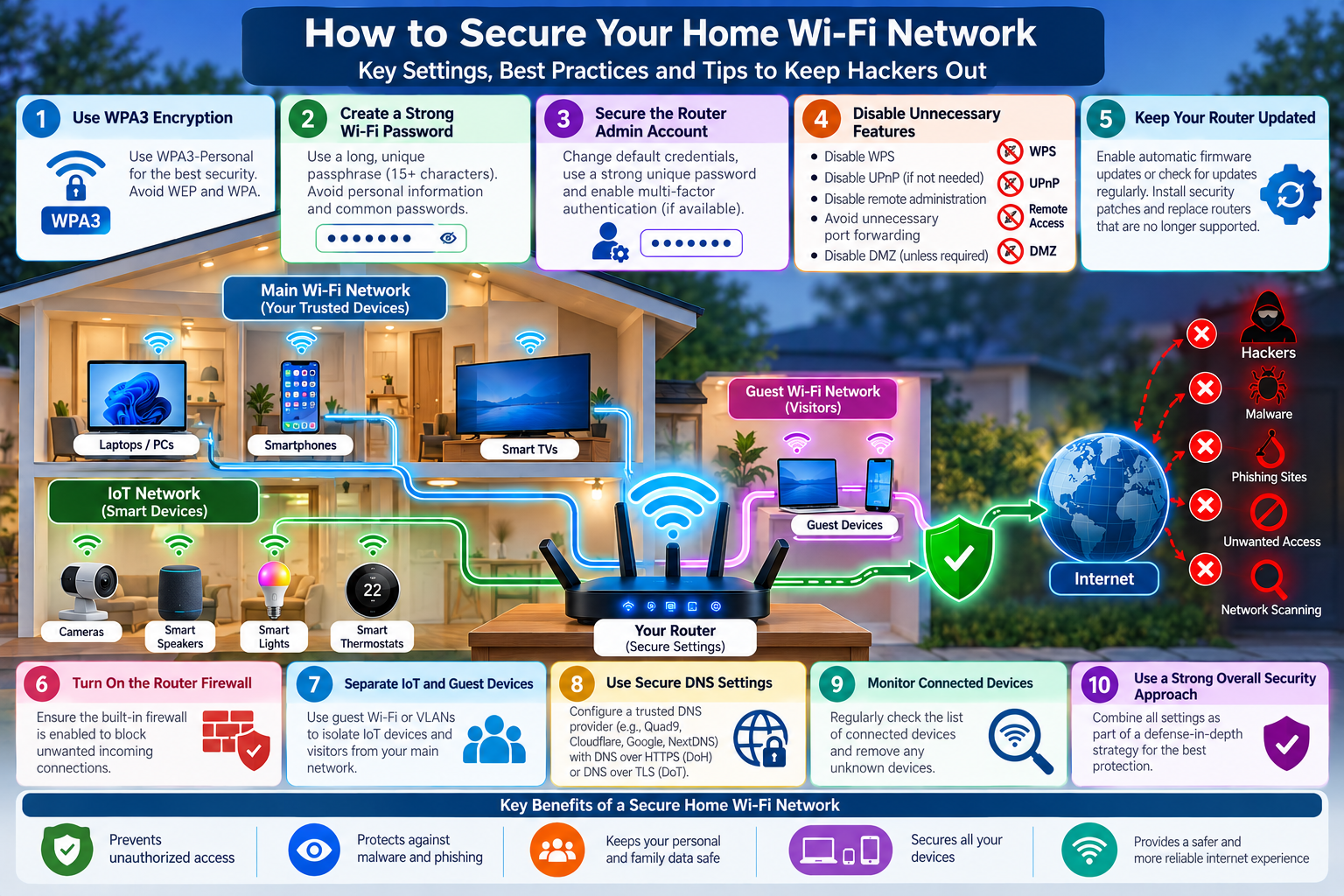
Secure DNS should be viewed as one component of a broader defense-in-depth strategy. Keeping your router firmware updated, using WPA2 or WPA3 encryption, maintaining strong and unique passwords, securing IoT devices, and regularly reviewing connected devices remain equally important.
A small change to your router’s DNS configuration can strengthen the security posture of your entire home network. Your router is the front door to your digital home—secure the DNS behind it.