Social media has become an important part of everyday life. Platforms such as Facebook, Instagram, LinkedIn, TikTok, and X allow us to communicate, share photographs, build professional networks, and stay connected with friends and family.
Unfortunately, these accounts are also attractive targets for cybercriminals.
A compromised social media account can be used to impersonate you, scam your contacts, steal personal information, distribute malicious links, or gain access to other online accounts. Fortunately, a few simple security practices can significantly reduce the risk.
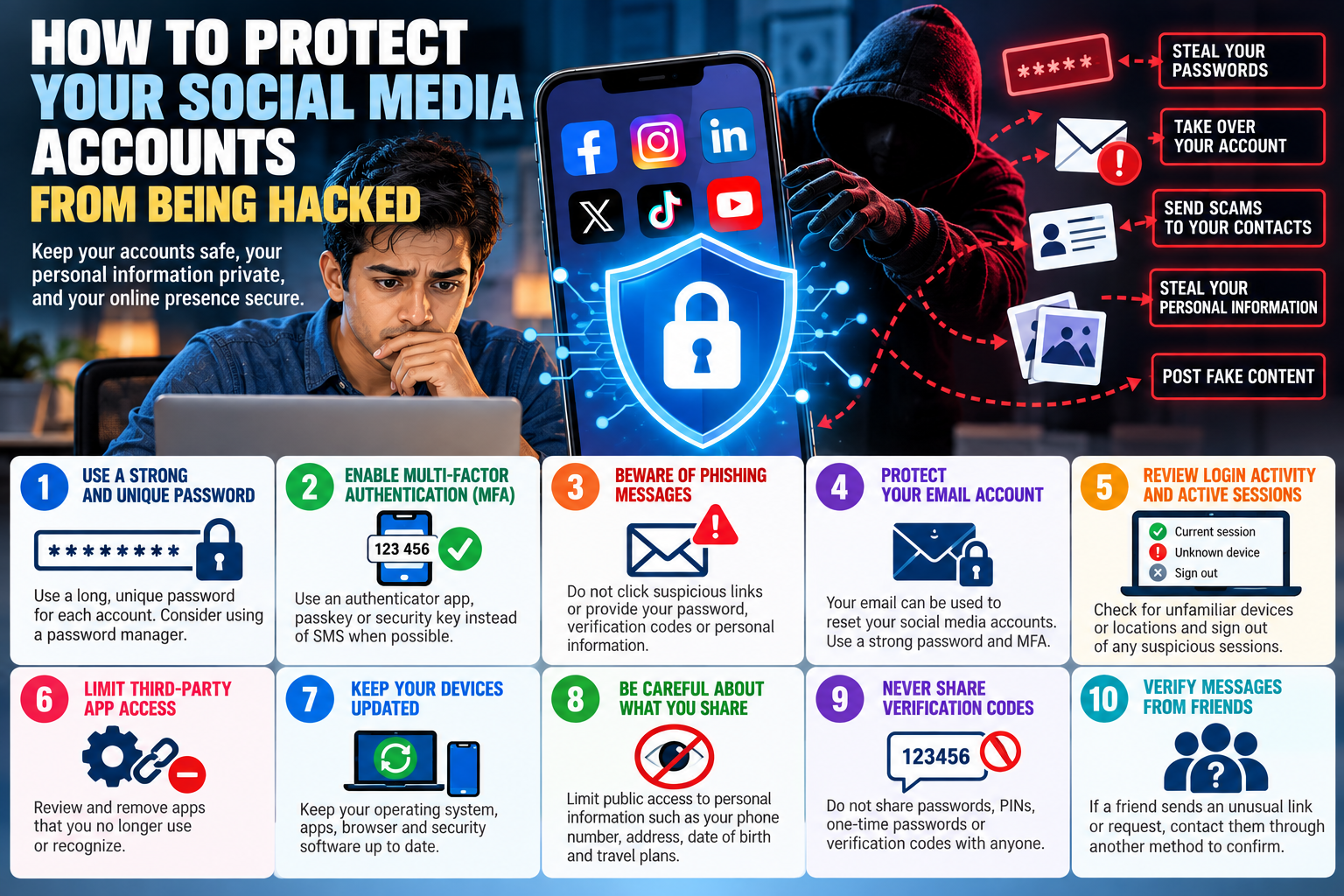
1. Use a Strong and Unique Password
Never reuse the same password across multiple social media accounts.
If attackers obtain a reused password from a breach involving one service, they may try the same credentials on other websites—a technique known as credential stuffing.
Use a long, unique password or passphrase for every account. A reputable password manager can generate and securely store unique passwords so you do not have to remember all of them.
2. Enable Multi-Factor Authentication
Multi-factor authentication (MFA), also called two-factor authentication or 2FA, provides an additional layer of security beyond your password.
Even if an attacker obtains your password, MFA can prevent them from accessing your account without the additional authentication factor.
When available, consider using an authenticator app, passkey, or hardware security key rather than relying solely on SMS verification. Security keys and other phishing-resistant authentication methods can provide particularly strong protection against account takeover.
3. Beware of Phishing Messages
One of the easiest ways to steal a social media account is simply to convince its owner to hand over the password.
Be suspicious of messages claiming:
- “Your account will be suspended.”
- “Someone reported your account.”
- “Your account violated our policies.”
- “Your page is eligible for verification.”
- “Click here to verify your identity.”
- “We detected suspicious activity.”
Instead of clicking a link in an unexpected email, text, or direct message, open the official social media application or manually visit the service and check your account notifications.
Never provide your password or MFA verification code in response to an unsolicited message.
4. Protect Your Email Account
Your email account is effectively a master key for many of your online accounts.
If someone compromises your email, they may be able to request password resets for your social media accounts and intercept the recovery messages. The FTC specifically warns that compromising an email account can allow an attacker to reset passwords for other accounts.
Protect your primary email account with a strong, unique password and MFA.
5. Review Active Sessions and Login Activity
Most major social media platforms provide information about devices or sessions currently logged into your account.
Review this information periodically.
If you see an unfamiliar device, browser, or login location, terminate the session and change your password immediately.
Enabling notifications for suspicious or new logins can also provide an early warning that someone is attempting to access your account. The Canadian Centre for Cyber Security recommends reviewing recent activity, connected devices, applications, and account-access notifications.
6. Limit Third-Party App Access
Remember that applications connected to your social media account may also have access to some of your information.
Periodically review:
Settings → Security/Privacy → Apps or Connected Applications
Remove applications and services that you no longer use or recognize. CISA recommends limiting third-party application access as part of protecting social media accounts.
7. Keep Your Devices Updated
Your account security also depends on the security of the device you use to access it.
Keep your:
- Smartphone operating system
- Computer operating system
- Web browser
- Social media applications
- Security software
up to date.
Software updates frequently contain fixes for security vulnerabilities. Enabling automatic updates can help ensure important patches are installed promptly.
8. Be Careful About What You Share
Cybercriminals can collect information from social media to create convincing phishing attacks or attempt account recovery.
Consider limiting public access to information such as your:
- Phone number
- Email address
- Date of birth
- Home address
- Workplace details
- Family information
- Travel plans
Review your privacy settings regularly and decide who should be able to see your posts and personal information.
9. Never Share Verification Codes
If someone contacts you and asks for a verification code that was just sent to your phone or email, do not provide it.
That code may be the final authentication step an attacker needs to access your account.
Treat passwords, recovery codes, one-time passwords, and MFA codes as confidential information.
10. Watch Out for Friends Whose Accounts Have Been Hacked
A message coming from someone you know is not automatically trustworthy.
If a friend suddenly sends you an unusual link, investment opportunity, request for money, or message asking for a verification code, contact that person through another method before responding.
The FTC specifically recommends independently checking with friends when unexpected financial or suspicious messages arrive through social media because their account may have been compromised.
What Should You Do If Your Account Is Hacked?
Act quickly.
Use the platform’s official account-recovery process and change your password as soon as you regain access. Sign out other devices, enable MFA, verify your recovery email address and phone number, and inspect the account for unauthorized posts, messages, connected applications, or changes to security settings.
If you reused the compromised password anywhere else, change those passwords as well.
Inform your contacts that your account was compromised so they know not to trust suspicious messages that may have been sent from it.
Conclusion
Protecting your social media accounts does not require advanced cybersecurity expertise.
The most important steps are straightforward: use unique passwords, enable strong MFA, secure your email account, keep your devices updated, review login activity, and be extremely cautious with unexpected links and messages.
Cybercriminals frequently target the person rather than the technology. A convincing phishing message can sometimes defeat security measures simply by persuading someone to reveal their credentials.
Before clicking a link, entering a password, or approving a login request, stop and ask yourself:
Did I initiate this action, and do I know that this request is legitimate?
A few seconds of verification can prevent weeks or months of dealing with a compromised account.

